DeepSeek Harness 对话内朗读:点一下即可朗读、暂停、继续 AI 回复,豆包 TTS 自然音色(BYOK),只读最终回答并过滤代码、表格与图形,本地引擎,插件零 Key。
- GitHub 星标
- 34
- 许可证
- MIT
- 收录日期
- 2026-08-28
GitHub 信息
- GitHub 星标
- 34
- 许可证
- MIT
- 主要语言
- Swift
- 最近推送
- 2026年8月19日 02:56
- 维护者
- PolinniZhong
- 收录日期
- 2026-08-28
README 演示图
从仓库 README 提取的截图/GIF(已过滤徽章、头像等装饰图)。
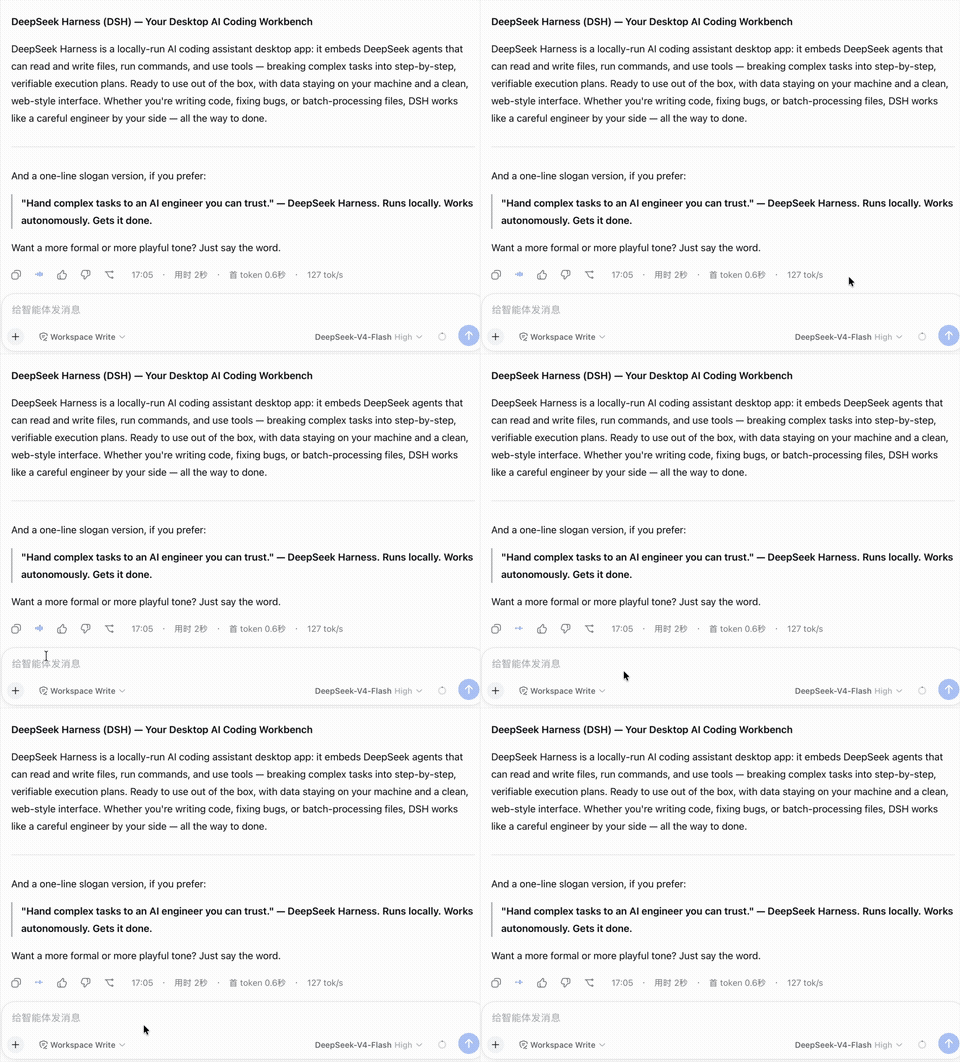
点读 → 暂停 → 继续 演示
https://raw.githubusercontent.com/PolinniZhong/dsh-omi-voice/main/docs/assets/reading.gif
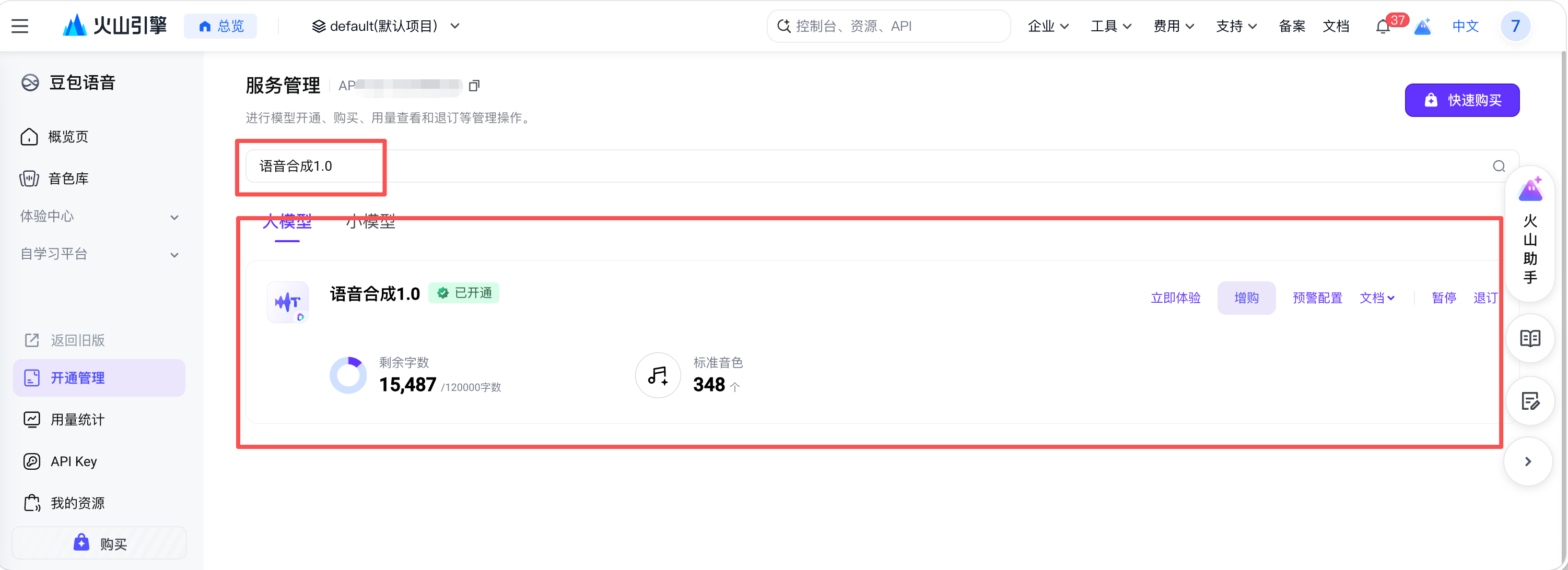
开通豆包语音合成 1.0
https://raw.githubusercontent.com/PolinniZhong/dsh-omi-voice/main/docs/assets/doubao-2-enable.png
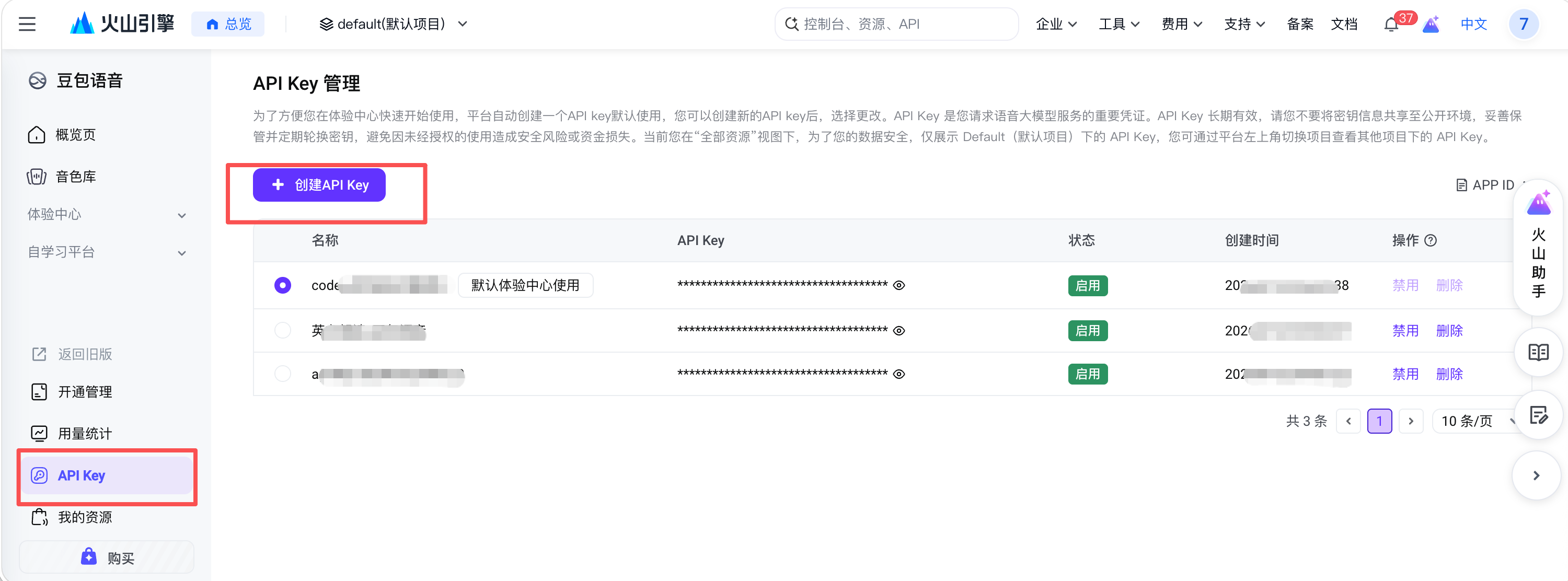
创建 API Key
https://raw.githubusercontent.com/PolinniZhong/dsh-omi-voice/main/docs/assets/doubao-3-create-key.png
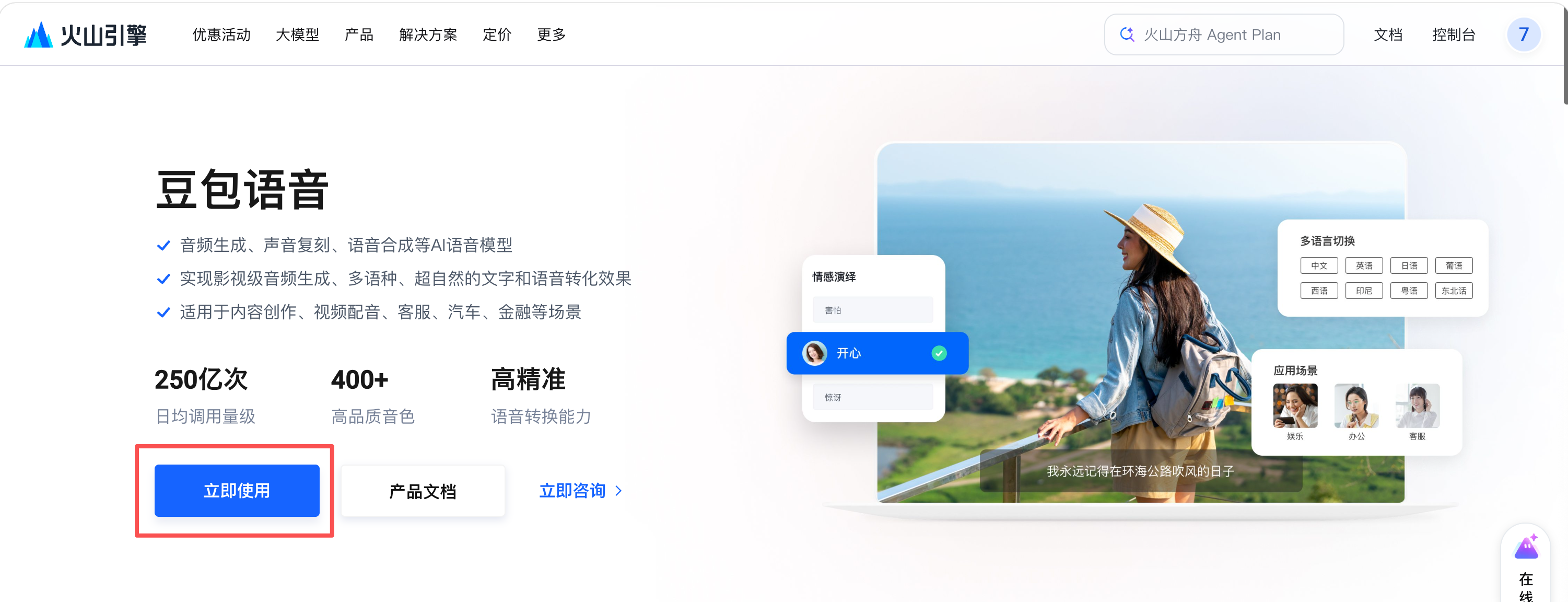
找到豆包语音
https://raw.githubusercontent.com/PolinniZhong/dsh-omi-voice/main/docs/assets/doubao-1-find.png
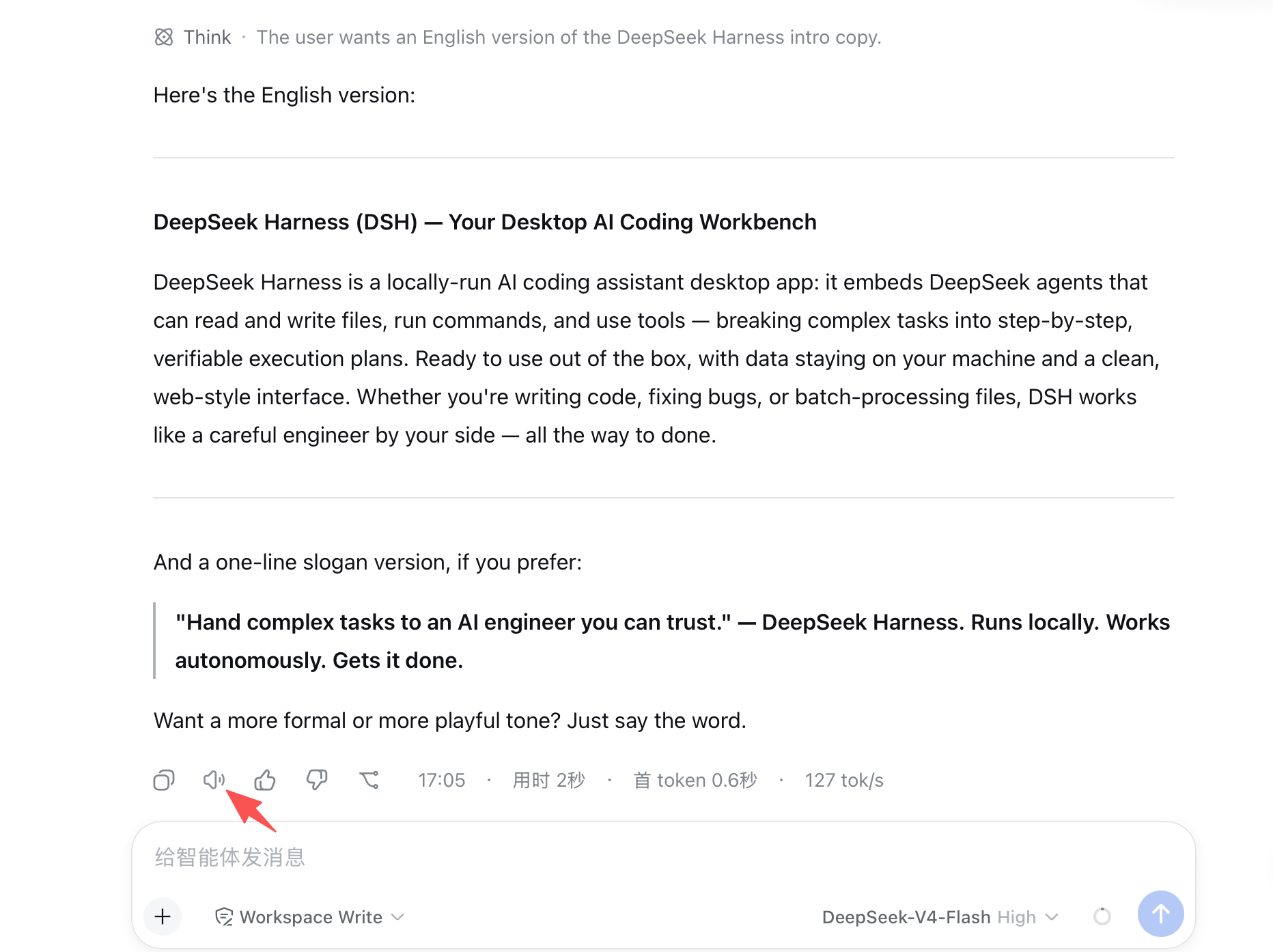
未朗读状态
https://raw.githubusercontent.com/PolinniZhong/dsh-omi-voice/main/docs/assets/idle.png
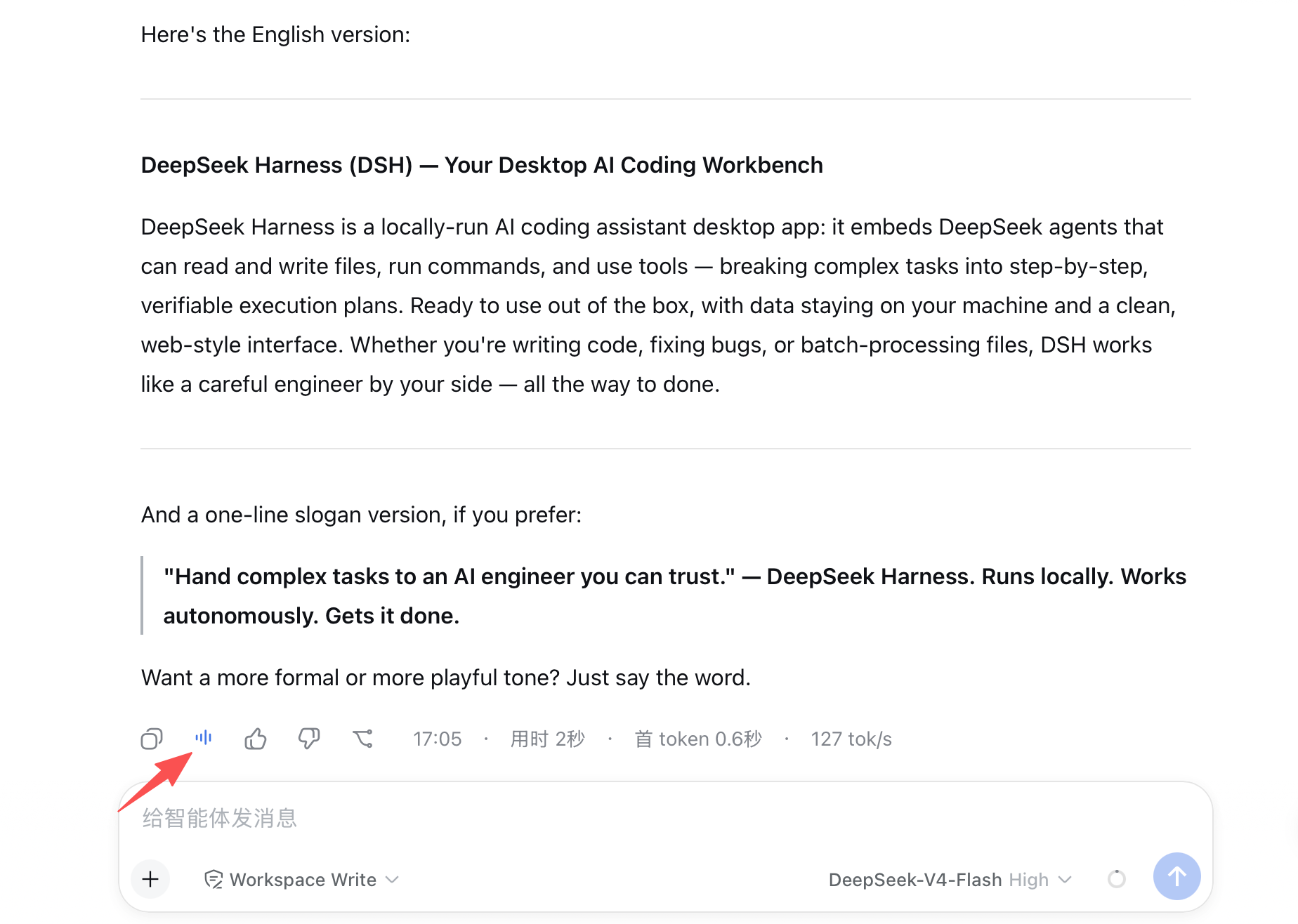
朗读中状态
https://raw.githubusercontent.com/PolinniZhong/dsh-omi-voice/main/docs/assets/reading.png
安装
dsh plugin --profile web add dsh-omi-voice标签
README 徽章
将这段 Markdown 添加到插件 README,链接到对应的详情页。
[](https://dshget.com/plugins/PolinniZhong/dsh-omi-voice)相关插件
语音与音频dsh-speak
★ 8零外部依赖、事件驱动、无需额外模型、不消耗任何 token的语音播报插件。使用系统自带自然语音进行播报,支持win/mac双平台;最终回复、审批与提问提醒、可选事件播报(回合结束/命令完成/目标变更/工具出错/待办更新)、最终回复可重播、双语言可视化设置。
dsh-gsv
★ 3将本地高性能 TTS 引擎 GSV-TTS-Lite 实时接入 DeepSeek Harness:语音预设、自动朗读、引擎配置助手、朗读按钮与设置面板。
dsh-talk
Voice-first session loop for DeepSeek Harness: a composer microphone button with browser/local speech-to-text (Web Speech, FunASR, whisper.cpp), a speak tool for text-to-speech replies (browser, edge-tts, piper), event announcements with mute, and speak-to-interrupt.